

Counter-Strike Online 2
A team-based first-person shooter. Download the Windows launcher, create an account and join your first match.
Get ready for your first match
From installing the launcher to choosing a server, here’s how to get started.
- How to install CSO2 on WindowsDownload the Counter-Strike Online 2 launcher, choose an installation folder, and let it download and verify the game files.
- Create a CSO2 account and verify your emailCreate your CSOnline2 account on the website, enter the six-digit email code, and use the same username in the launcher.
- How to join your first match in CSO2Open the game from the launcher, choose a server and channel, then join a waiting room and ready up.
Counter-Strike Online 2 modes
First match guideClassic
Classic bomb defusal and hostage rescue scenarios. Tactical team gameplay.
Team Deathmatch
Fast-paced team deathmatch. Get the most kills to win.
Zombie Mode
Humans vs zombies survival. Stay alive without getting infected.
Competitive Ranked
Teams compete to win rounds.
Hide & Seek
Prop hunt style mode. Disguise as objects and survive without being found.
Big City
Open world PvP and PvE mode. Explore the city, complete missions.
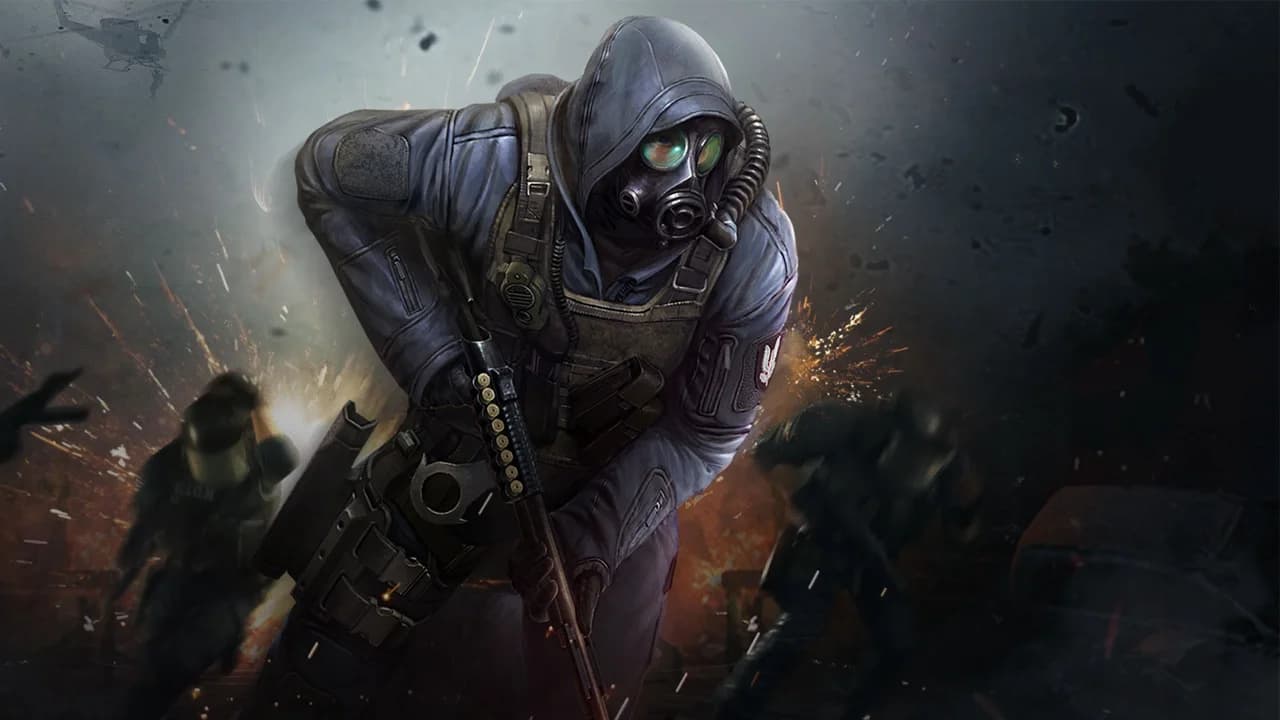
About CSO2
Counter-Strike Online 2 (CSO2) is a team-based first-person shooter developed by Nexon using Valve’s Source engine.
In Classic mode, two teams plant or defuse a bomb, or rescue hostages, depending on the map. The game guide explains other modes.
Learn MoreFrequently asked questions
Visit the support pageWhat is CSO2?
Counter-Strike Online 2 is a team-based first-person shooter built on the Source engine.
How do I install CSO2?
Get the Windows launcher from the download page, choose an installation folder and wait for it to download the game files.
Can I use my website account to sign in to the game?
After verifying your email, sign in to the launcher with the same username and password.
What if a match stops loading at 10%?
If the lobby opens, check the connection to the match server. The guide explains how to compare networks and read the game log.